
Track Digital Marketing Results Through UTM Codes
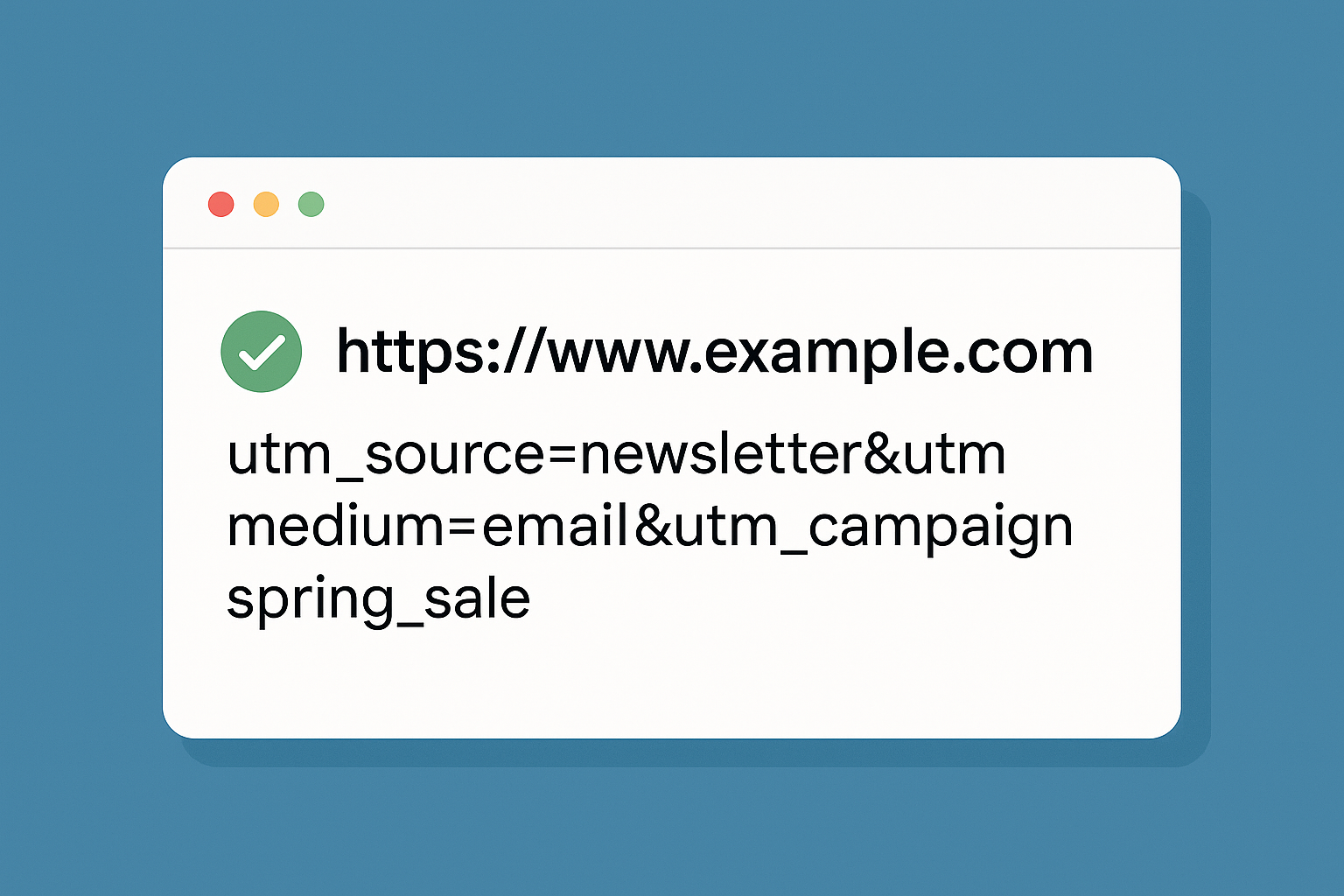
Track Digital Marketing Results Through UTM Codes
Accurately measuring the success of your digital marketing efforts starts with understanding exactly where your traffic is coming from. A UTM code is one of the most reliable tools for this. It allows marketers to track not just the source of traffic but also the specific campaigns, channels, and even the content that brought visitors to a website. When used properly, UTM codes give clarity across all digital channels and provide valuable insight into user behavior.
What Is a UTM Code?
UTM stands for “Urchin Tracking Module.” A UTM code is a snippet of text added to the end of a URL that tells analytics tools like Google Analytics more about how users found your site. Each code contains specific parameters that capture information about the source, medium, campaign, content, and terms. These values can then be viewed in your Google Analytics reports, helping you determine which marketing efforts are most effective.
What You Can Track with UTM Codes
By applying UTM codes to links used in your campaigns—whether on Twitter, Facebook, emails, or even QR codes—you can collect detailed metrics that go far beyond basic traffic data. You’ll be able to measure:
- Number of Sessions
- Percentage of New Sessions
- New Users
- Bounce Rate
- Average Session Duration
- Conversion Rate
These data points are critical for evaluating performance. For example, if a Facebook post and a LinkedIn post are promoting the same campaign, UTM tracking can tell you which platform drove more engaged visitors, which had higher conversions, and where your budget is better spent. You can even track which headline or image led to better results through UTM content variations.
How to Build a UTM Code
There are five core parameters that can be added to a UTM-tagged URL:
- Website URL: The final destination where you want users to land (e.g.,
https://www.cliffordlin.com). - utm_source: Identifies the source of traffic such as Facebook, Twitter, newsletter, or Google.
- utm_medium: Describes the marketing medium used, such as social, CPC (cost per click), or email.
- utm_campaign: Defines the specific campaign you are running. For instance, you may label a year-end promotion as
utm_campaign=holiday_sale. - utm_term: Used for paid search to identify specific keywords (optional).
- utm_content: Used to differentiate between versions of the same ad or link, such as A/B test variants (optional).
Be consistent with capitalization. For example, utm_campaign=promo and utm_campaign=Promo will show up as two different campaigns in Google Analytics.
What a UTM Link Looks Like
Here’s an example of a full URL with UTM parameters:
https://www.cliffordlin.com?utm_source=facebook&utm_medium=social&utm_campaign=year_end_offer&utm_content=50percent_off
- Website URL: https://www.cliffordlin.com
- utm_source: facebook
- utm_medium: social
- utm_campaign: year_end_offer
- utm_content: 50percent_off
How to Generate UTM Links
To create UTM-tagged URLs without manual editing, you can use the Google Analytics Campaign URL Builder. This free tool lets you input your landing page and campaign details, then generates a properly formatted UTM link you can copy and paste into your ad, social post, or email.
Putting It All Together
UTM codes are a simple but powerful way to gain full visibility into your marketing campaigns. By using them consistently across all channels, you’ll be able to understand what’s driving your traffic, how users are interacting with your site, and where to invest your marketing budget for the greatest impact.